【⭐️机器学习学习笔记|代码】娘娘,是您吗?——SVM火眼金睛,终结后宫“脸盲症
·
今天深圳有台风欸,作为北方孩子,从来没见过台风,不过我感觉没什么区别,今天用甄嬛传继续聊聊SVM支持向量机!
但是这次要用SVM做一个小小的后宫娘娘们的人脸识别💅
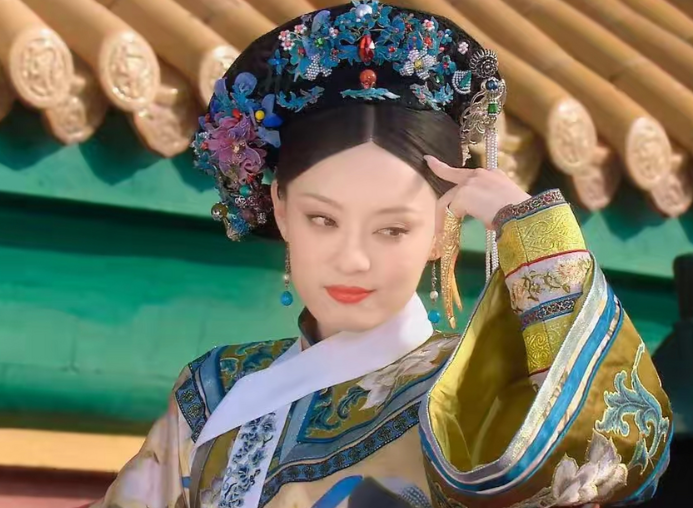
后宫人脸识别——SVM算法甄别六宫粉黛
引入库:组建「内务府技术团队」
依旧是导入相关库,米饭依旧一小碗儿
import numpy as np  # 六库总管:掌管所有数值计算
from sklearn.svm import SVC  # 皇后级别分类器
import matplotlib.pyplot as plt  # 宫廷画师,负责画像展示
from sklearn.decomposition import PCA  # 相面大师:提取人物精髓特征(其实是降维用的)
from sklearn.metrics import accuracy_score  # 司礼监:准确率计算
from sklearn.model_selection import GridSearchCV  # 网格搜索,用于参数调优
import os  # 操作系统接口,用于文件操作
from PIL import Image  # 宫廷画师的图像处理库
这里的PCA就是给数据降维用的,为什么要降维?因为人脸上的像素太多了,难道说让宫廷画师要一个一个像素点的来画吗?所以只画精髓就好了
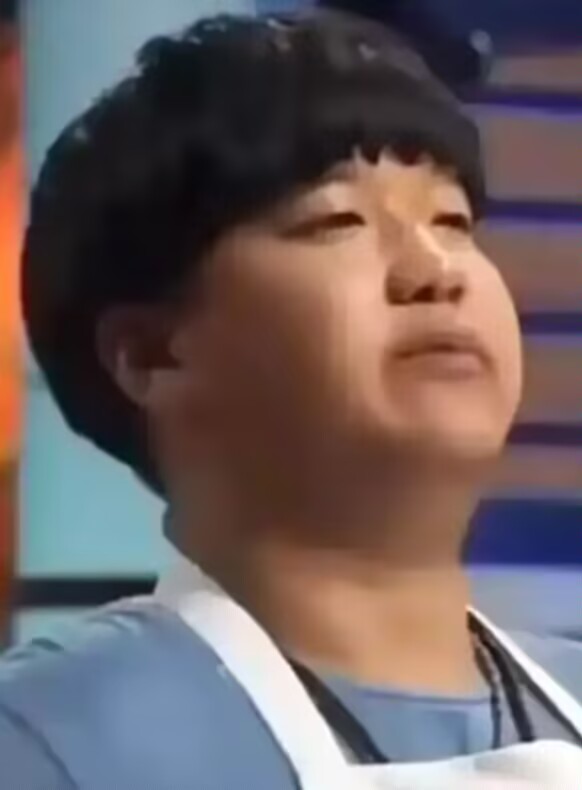
?手头有一个我自创的拔丝煎面,是你牙齿不好吧大叔
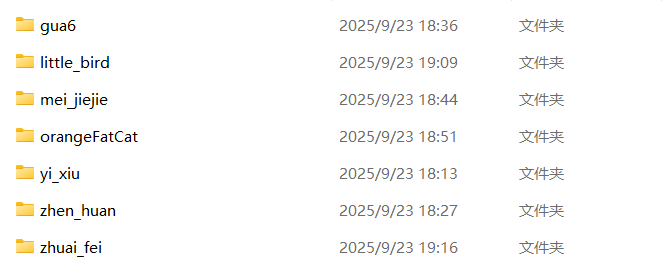
我不行了,手头有一个我自己做的人物图像数据集,like this ↓
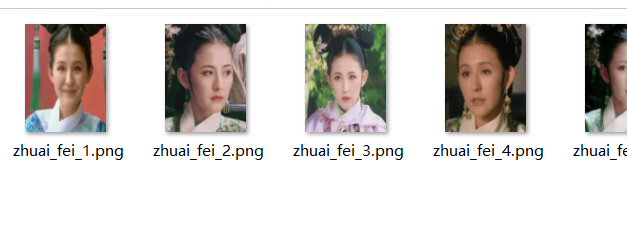
打开拽妃的看一下(这福气给你要不要?)
数据加载:选秀入宫,建立「绿头牌档案」(bushi,谁搞的,皇上也在里面)
def load_local_faces_dataset(dataset_path, target_size=(125, 94)):
    """
    功能:建立画像档案库

    """
    images = []      # 画像底稿(像素展开)
    faces = []       # 完整画像
    labels = []      # 存储标签
    target_names = [] # 存储各宫小主名讳

    # 遍历各宫院落(获取所有人物文件夹)
    person_folders = [f for f in os.listdir(dataset_path)
                     if os.path.isdir(os.path.join(dataset_path, f))]
    person_folders.sort()  # 按位分高低排序

    # 为每位娘娘分配一个数字标签
    for i, person in enumerate(person_folders):
        target_names.append(person)
        person_path = os.path.join(dataset_path, person)

        # 获取每位娘娘的所有图像文件
        image_files = [f for f in os.listdir(person_path)
                      if f.lower().endswith(('.png', '.jpg', '.jpeg'))]

        # 处理每张图像
        for image_file in image_files:
            image_path = os.path.join(person_path, image_file)

            try:
                # 打开图像并转换为灰度,去色留骨,突出神韵
                img = Image.open(image_path).convert('L')

                # 调整图像尺寸为125x94,统一规制,符合宫廷标准
                img_resized = img.resize((94, 125))  # 宽度, 高度

                # 转换为numpy数组
                img_array = np.array(img_resized)

                # 存储画像数据
                images.append(img_array.flatten())  # 大展宏图!展平为一维特征向量
                faces.append(img_array)             # 保持二维形状用于显示
                labels.append(i)                    # 添加标签

            # 防止错误机制,毕竟人心险恶啊~~
            except Exception as e:
                print(f"处理图像 {image_path} 时出错: {e}")
                continue

    # 转换为numpy数组
    X = np.array(images)
    y = np.array(labels)
    faces = np.array(faces)
    target_names = np.array(target_names)

    data = {
        'data': X,
        'target': y,
        'images': faces,
        'target_names': target_names
    }

    return data
函数构造完了,拿画像数据集放进去试一试
# 指定数据集路径
dataset_path = "路径"

# 调用函数加载数据
data = load_local_faces_dataset(dataset_path)

X = data['data']
y = data['target']
faces = data['images']
target_names = data['target_names']

# 显示数据形状
display(X.shape, faces.shape, y.shape)
# X.shape: (样本数, 特征数) 特征数=125×94=11750个像素
# faces.shape: (样本数, 高度, 宽度)
# y.shape: (样本数,) 每个样本的标签

# 显示娘娘名称
target_names
输出结果是:

我自己做的这个数据集一共有7个人,每人8张图,一共是56张,其实太少了,就当看个乐子
11750就是特征,这也太太太太多了,所以后面稍微降降维
现在我们随机抽取一位幸运儿先看一下
 # 随机查看一张图像
index = np.random.randint(0, len(X), size=1)[0]

face = faces[index]
name = y[index] # 根据索引获取名字

print(target_names[name])

display(face.shape)
plt.imshow(face, cmap='gray')
结果是:
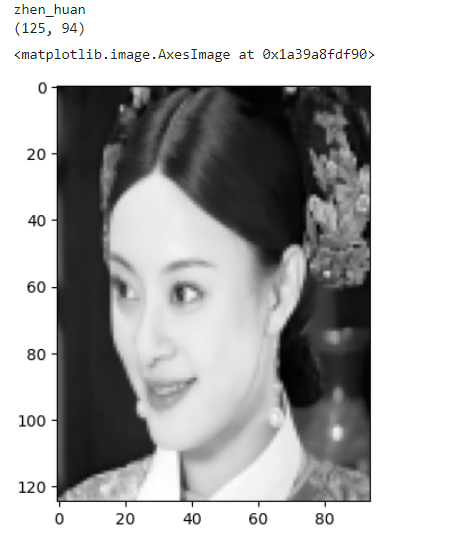
这个熹贵妃看起来可真熹贵妃啊,下一步降维
PCA降维:相面大师「提取关键特征」
# 保留95%精髓,忽略细枝末节(保留了一点大肠的原味,才能让你知道吃的是大肠!)
pca = PCA(n_components=0.95)
X_pca = pca.fit_transform(X)
display(X.shape, X_pca.shape)
数据分割和建模
svc = SVC()
X_train, X_test, y_train, y_test = train_test_split(X_pca, y, test_size=0.2)
# 网格搜索寻找「最佳识别策略」
params = {'C': np.logspace(-3, 3, 20), 'kernel': ['rbf', 'poly', 'linear'], 'tol': [0.01, 0.001, 0.0001]}
gc = GridSearchCV(estimator=svc, param_grid=params, cv=5)
gc.fit(X_train, y_train) # 逆风如解意,容易莫摧残


svc = gc.best_estimator_
svc.fit(X_train, y_train)
print('训练数据得分:', svc.score(X_train, y_train))
print('测试数据的得分:', svc.score(X_test, y_test))
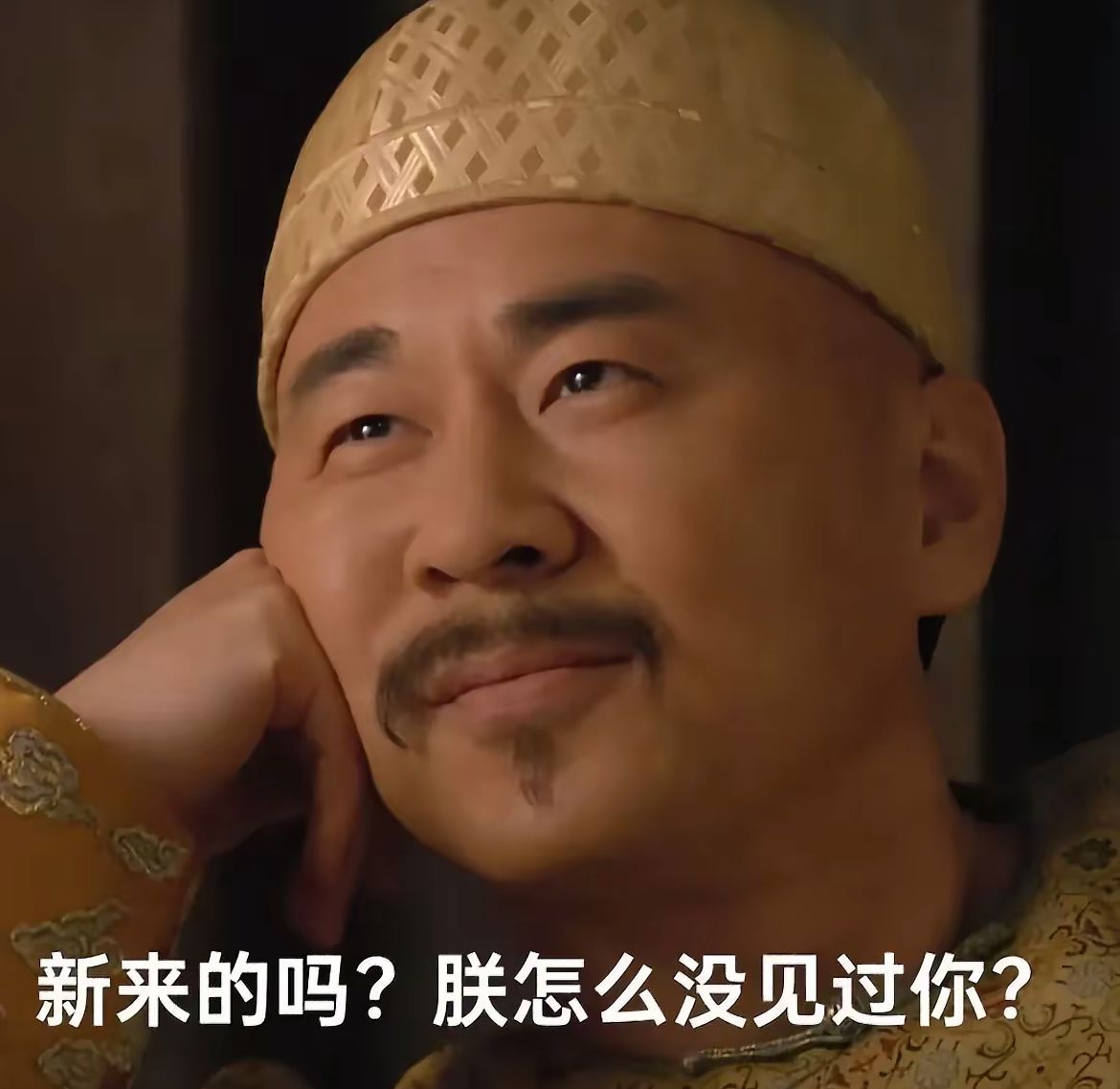
可能会认不出来是吗?会有一些差错的,毕竟....
预测验证
隔着珠帘,能否识别纯元故衣下的甄嬛?
那年杏花微雨...你说你是果郡王😭
indices = np.arange(len(X_pca))
X_train, X_test, y_train, y_test, indices_train, indices_test = train_test_split(
    X_pca, y, indices, test_size=0.2)

# 获取对应的画像
faces_test = faces[indices_test]

# 猜!
y_pred = svc.predict(X_test)

# 可视化,宫廷画师发力了
plt.figure(figsize=(5 * 2, 10 * 3))
for i in range(min(50, len(faces_test))):
    plt.subplot(10, 5, i + 1)
    plt.imshow(faces_test[i], cmap='gray')
    plt.axis('off')

    # 真实的名字
    true_name = target_names[y_test[i]]
    #猜的名字
    predict_name = target_names[y_pred[i]]

    plt.title('True:%s\nPred:%s' % (true_name, predict_name))

plt.tight_layout()
plt.show()
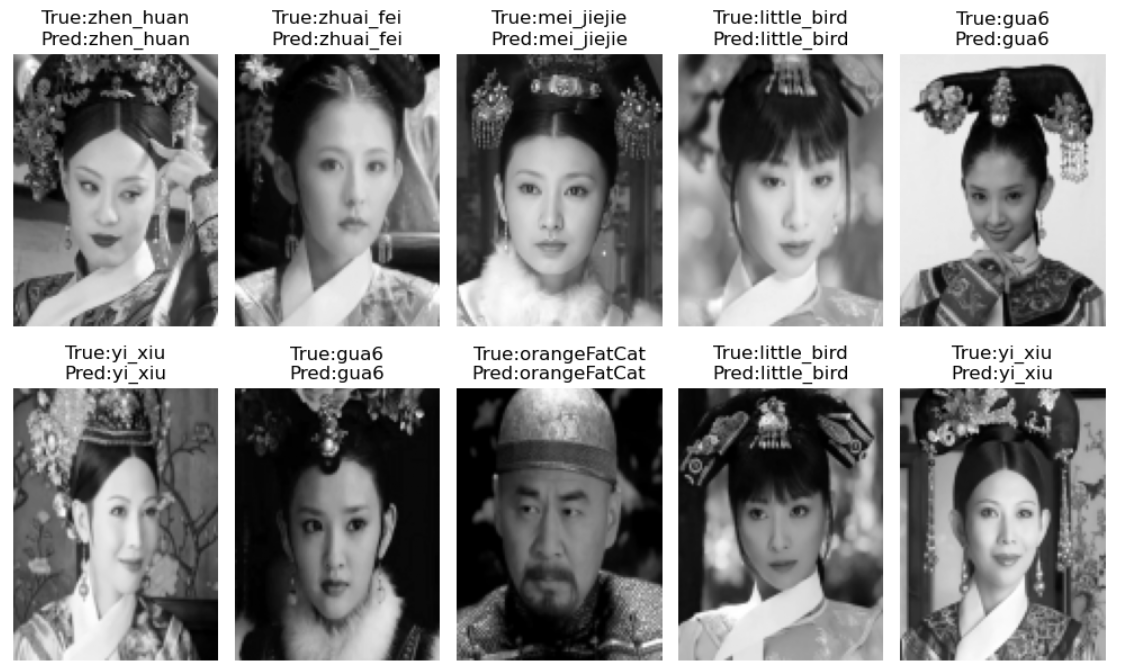
can can输出结果:
坏了!没把安小鸟放在前面,一会儿她又要多想了555555
OKOK,结束了。
以上内容可能营养价值不高,属于是没班上学习之余给自己找点喜欢的事干了属于是,如果有误人子弟的地方(orz抱歉),欢迎大佬批评指正,我很乐意学习的。

码道开发者社区,聚焦华为云码道 CodeArts 代码智能体,沉淀 Agent、Skill、鸿蒙开发实战内容,供开发者查阅资料、交流技术、分享工程实践
更多推荐



 21
21 0
0- 0


 已为社区贡献2条内容

所有评论(0)