使用Docker安装Ghost博客(Ghost Local版)
·
1、安装Docker
2、安装Ghost
详见:
https://docs.ghost.org
https://docs.ghost.org/install/local
运行容器:
docker run -it -d --name node -p 2368:2368 node:22-alpine查看容器列表:
docker ps进入容器:
# 进入容器:
docker exec -it node sh
# 修改alpine镜像源:
cp /etc/apk/repositories /etc/apk/repositories-bak
sed -i 's/dl-cdn.alpinelinux.org/mirrors.aliyun.com/g' /etc/apk/repositories
# 更新:
apk update
# 安装编译工具、sqlite、python等:
apk add --no-cache build-base sqlite python3 py3-pip py3-setuptools
# 配置npm镜像源:
npm config set registry https://registry.npmmirror.com
# 安装ghost-cli命令行工具:
npm install ghost-cli@latest -g
# 添加用户:
adduser -D local
# 切换用户:
su - local
# 安装ghost:
ghost install local
# 查看config.development.json文件:
cat config.development.json
# config.development.json文件内容:
{
"url": "http://localhost:2368/",
"server": {
"port": 2368,
"host": "127.0.0.1"
},
"database": {
"client": "sqlite3",
"connection": {
"filename": "/home/local/content/data/ghost-local.db"
}
},
"mail": {
"transport": "Direct"
},
"logging": {
"transports": [
"file",
"stdout"
]
},
"process": "local",
"security": {
"staffDeviceVerification": false
},
"paths": {
"contentPath": "/home/local/content"
}
}
# 修改config.development.json文件:
# 假设当前ip为192.168.186.128
sed -i 's#"url": "http://localhost:2368/"#"url": "http://192.168.186.128:2368/"#g' config.development.json
sed -i 's/"host": "127.0.0.1"/"host": "0.0.0.0"/g' config.development.json
# 重启ghost:
ghost restart
# 退出当前local用户:
# exit# 退出容器:
exit停止容器:
docker stop node删除容器:
docker rm node删除镜像:
docker rmi node:22-alpine3、浏览器访问
假设当前ip为192.168.186.128
浏览器访问:http://192.168.186.128:2368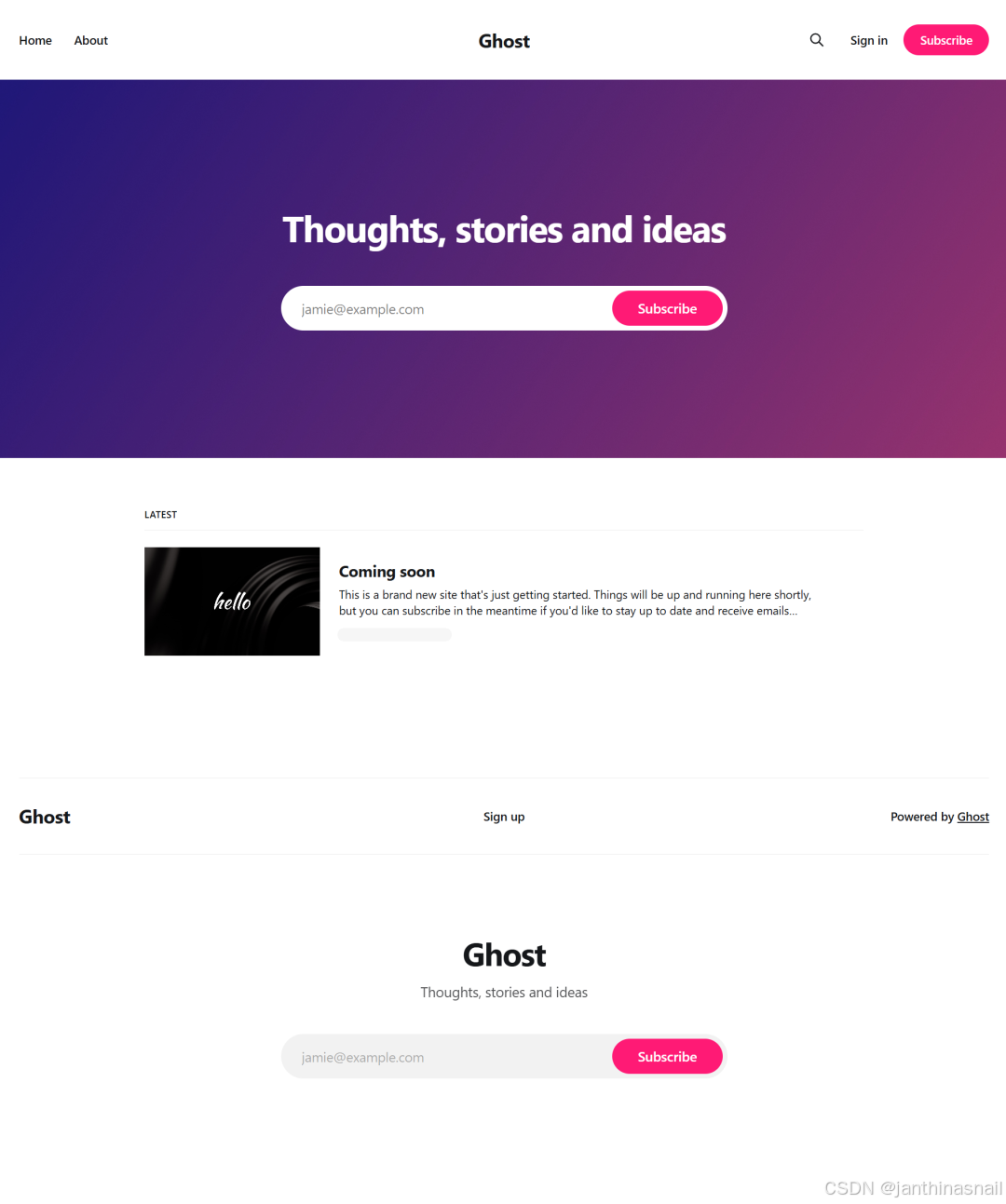
假设当前ip为192.168.186.128
浏览器访问后台:http://192.168.186.128:2368/ghost
设置:
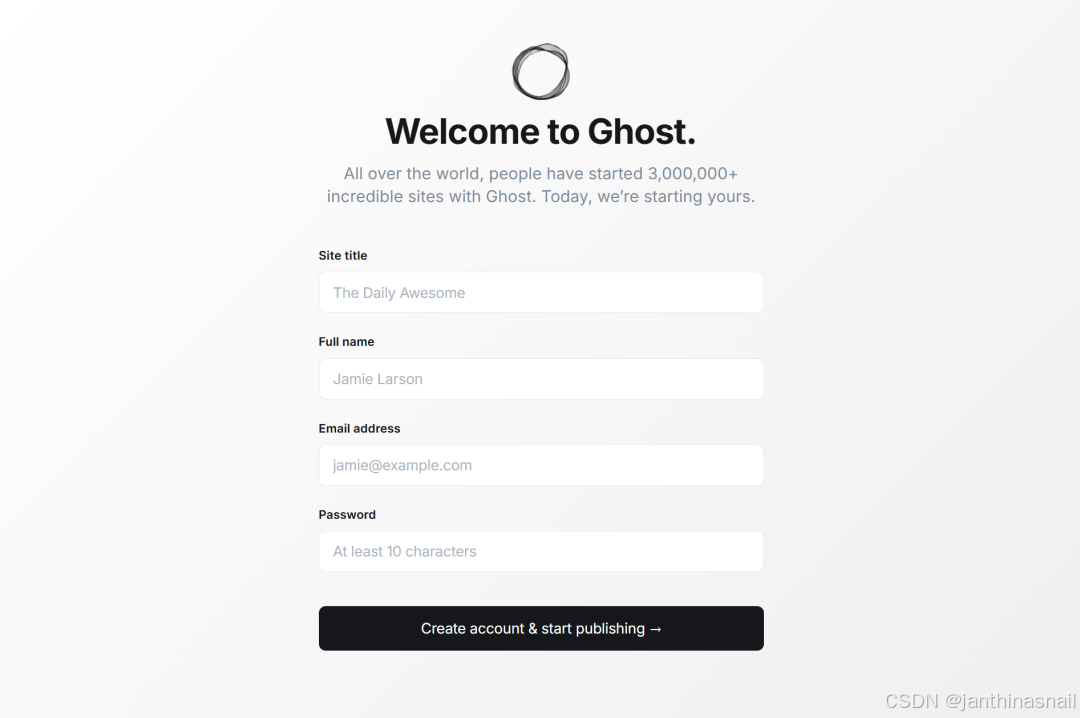
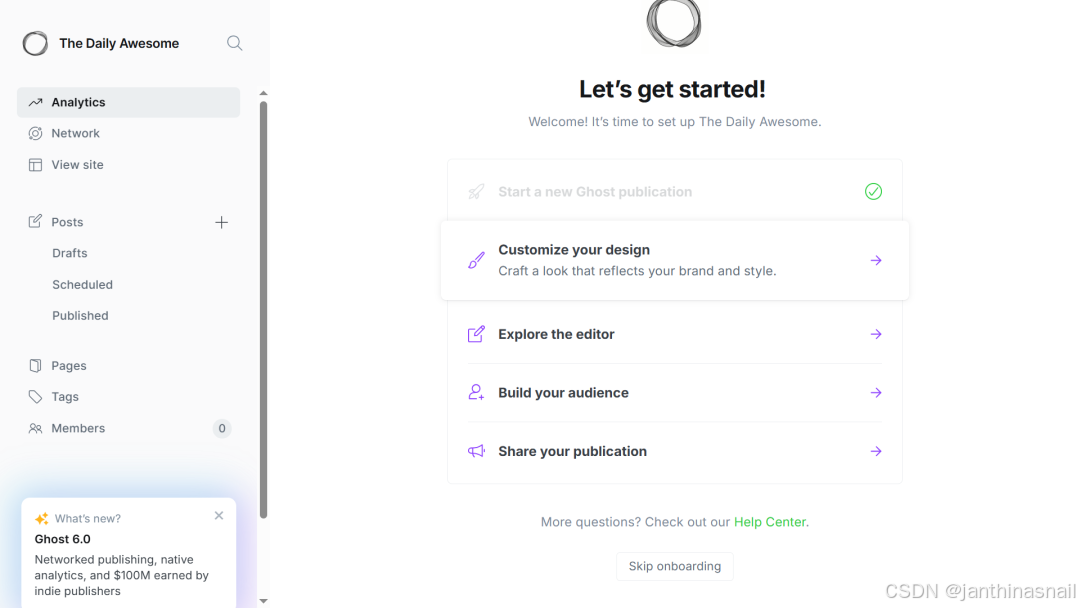
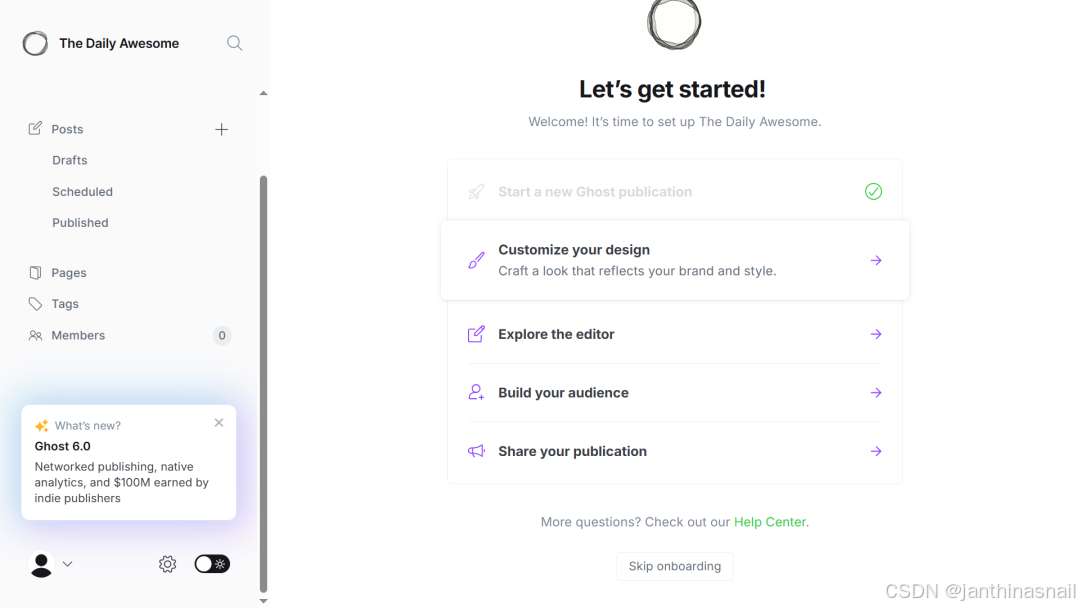
点击“Create account & start publishing”后,显示页面:
4、详见
https://ghost.org
https://docs.ghost.org
https://docs.ghost.org/install
https://ghost.org/pricing
https://docs.ghost.org/install/ubuntu
https://docs.ghost.org/install/local
https://docs.ghost.org/install/docker
https://github.com/TryGhost/Ghost
https://github.com/TryGhost/ghost-docker
https://mp.weixin.qq.com/s/yPK3Dh5EI8aIvS0Wh5Bnsw
码道开发者社区,聚焦华为云码道 CodeArts 代码智能体,沉淀 Agent、Skill、鸿蒙开发实战内容,供开发者查阅资料、交流技术、分享工程实践
更多推荐



 2
2 0
0- 0


 已为社区贡献2条内容

所有评论(0)