任务3:防火墙、SELinux、时间同步(Hadoop部署9.17)
·
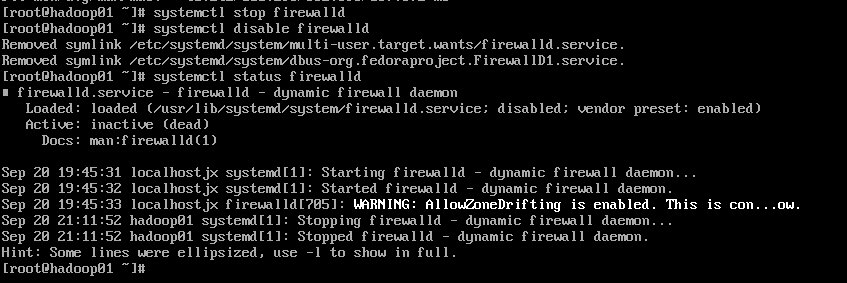
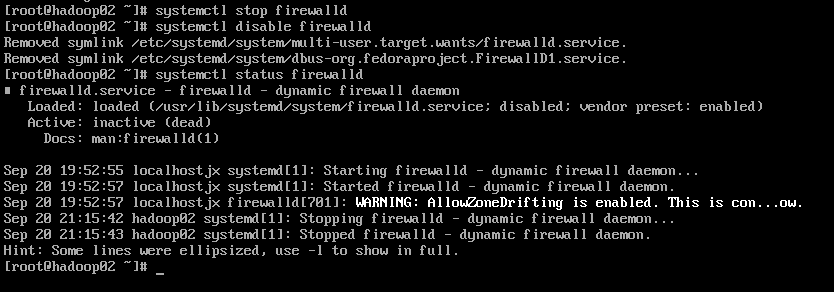
1.关闭防火墙
systemctl stop firewalld
systemctl disable firewalld
hadoop01:
hadoop02:
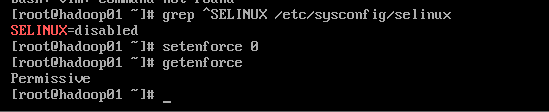
2.关闭 SELinux(防止进程读写目录被 deny)
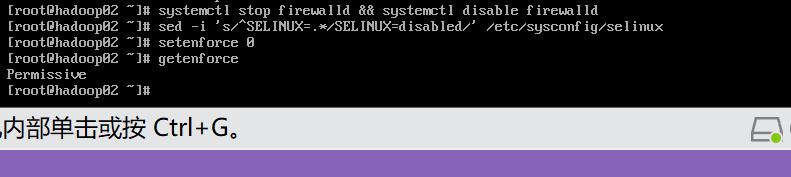
sed -i 's/^SELINUX=.*/SELINUX=disabled/' /etc/selinux/config
setenforce 0
同样套路改 hadoop02
3.时间同步
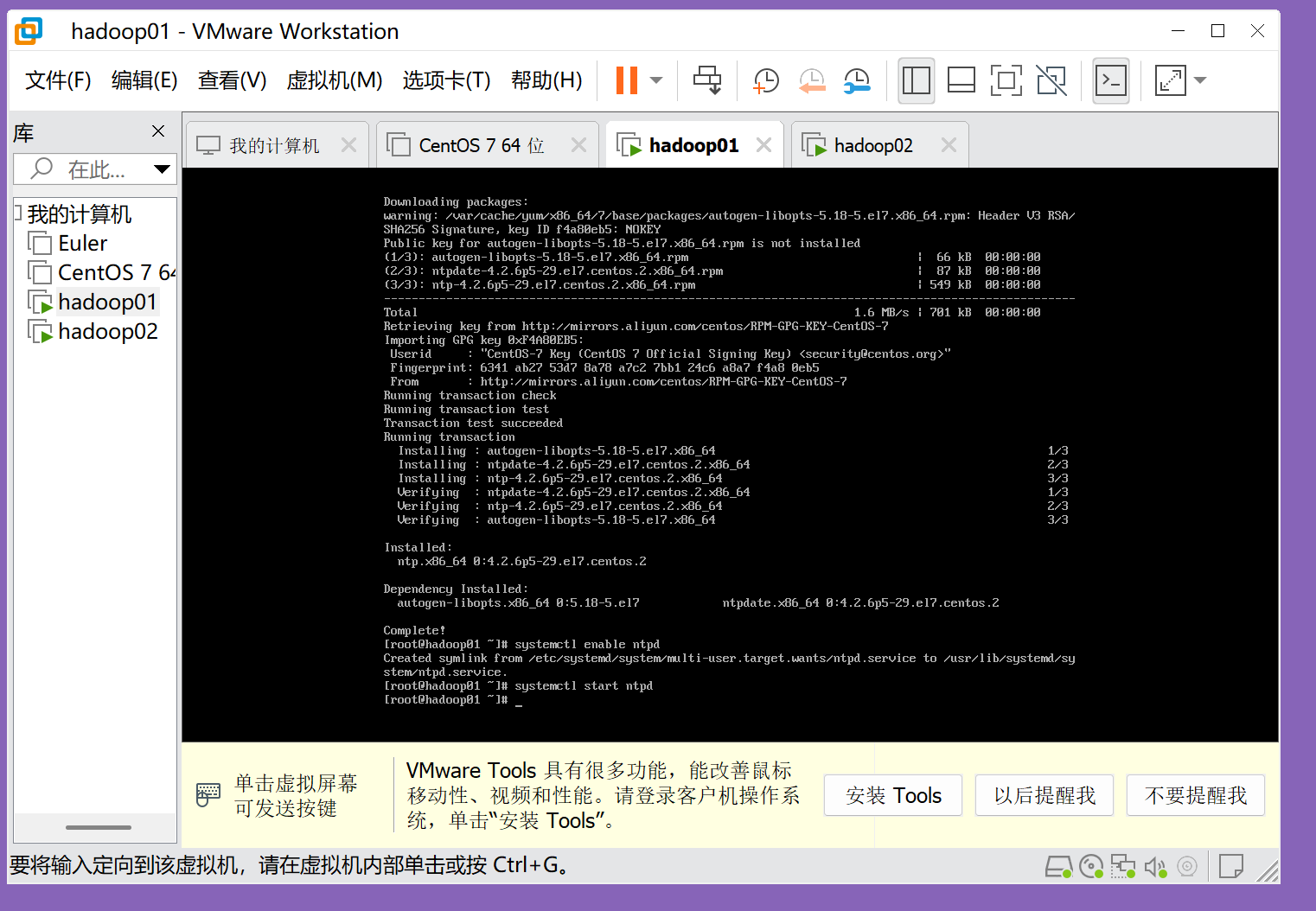
① 安装并启用 NTP
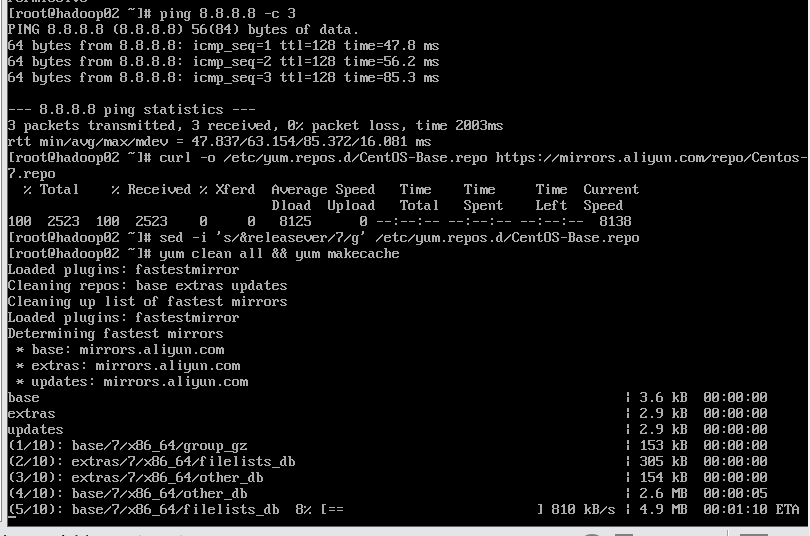
CentOS 7 官方源已停止维护 换阿里源
ping 8.8.8.8 -c 3  #先让yum能联网

curl -o /etc/yum.repos.d/CentOS-Base.repo https://mirrors.aliyun.com/repo/Centos-7.repo
sed -i 's/$releasever/7/g' /etc/yum.repos.d/CentOS-Base.repo
yum clean all && yum makecache
yum -y install ntp
systemctl enable ntpd
systemctl start ntpd
② 立刻同步一次
ntpdate -u pool.ntp.org
③ 设为开机自启(11min)
echo "*/11 * * * * /usr/sbin/ntpdate -u pool.ntp.org > /dev/null 2>&1" >> /var/spool/cron/root

date                            #验证
timedatectl status | grep NTP   #应显示 active (yes)


码道开发者社区,聚焦华为云码道 CodeArts 代码智能体,沉淀 Agent、Skill、鸿蒙开发实战内容,供开发者查阅资料、交流技术、分享工程实践
更多推荐



 6
6 0
0- 0


 已为社区贡献5条内容

所有评论(0)